


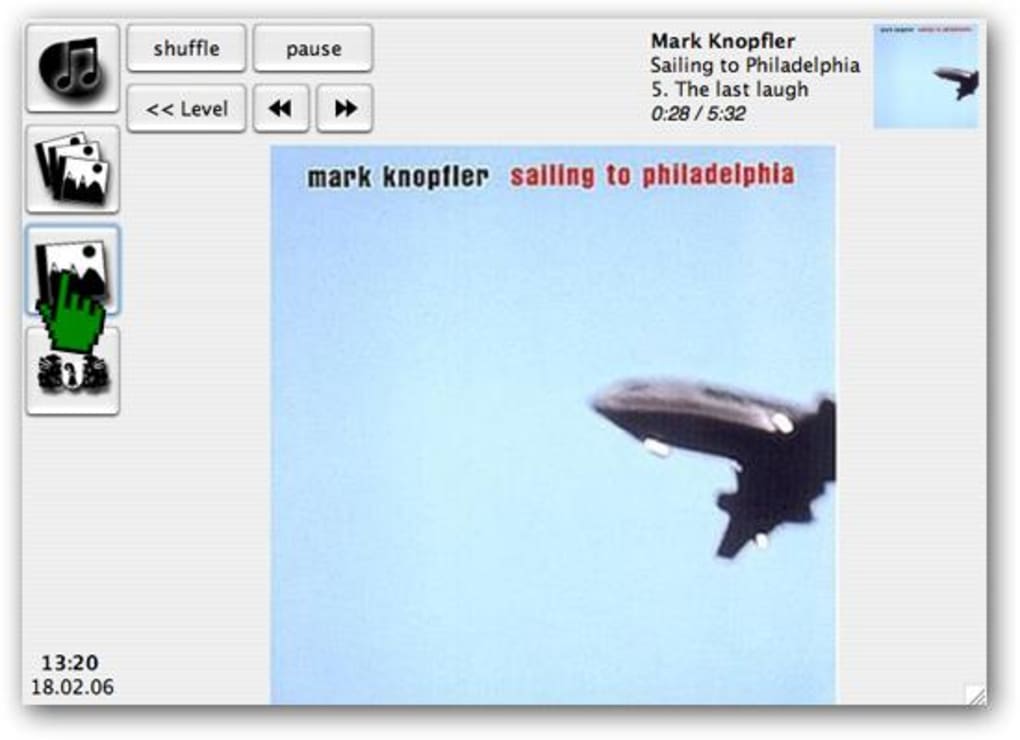
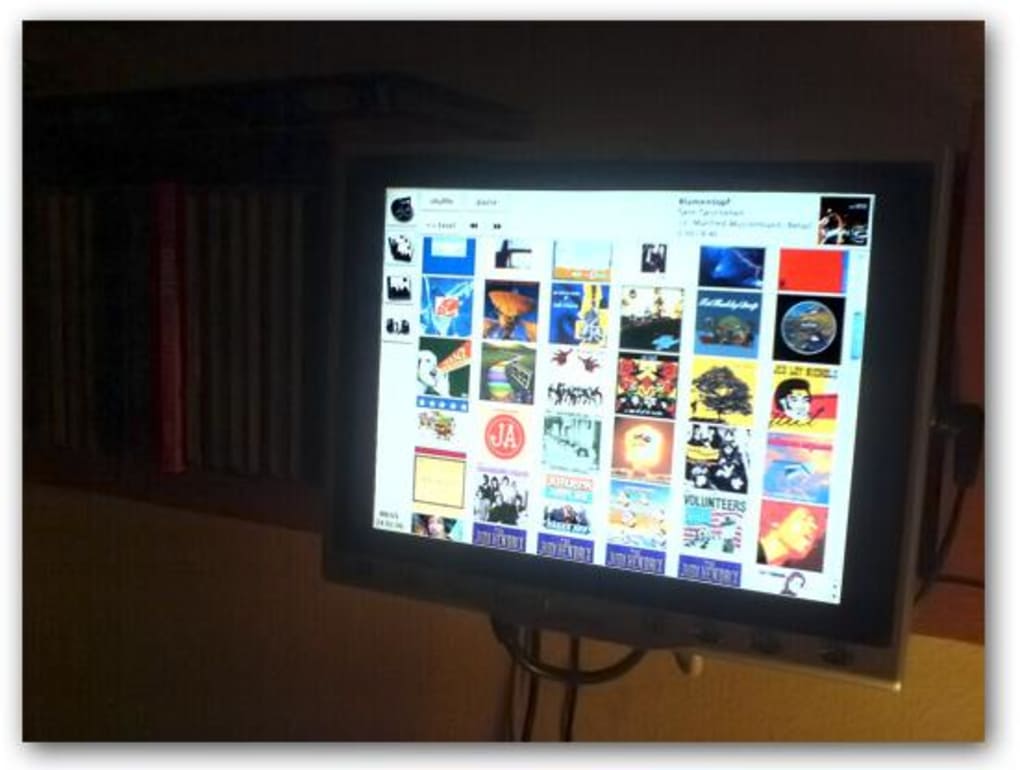
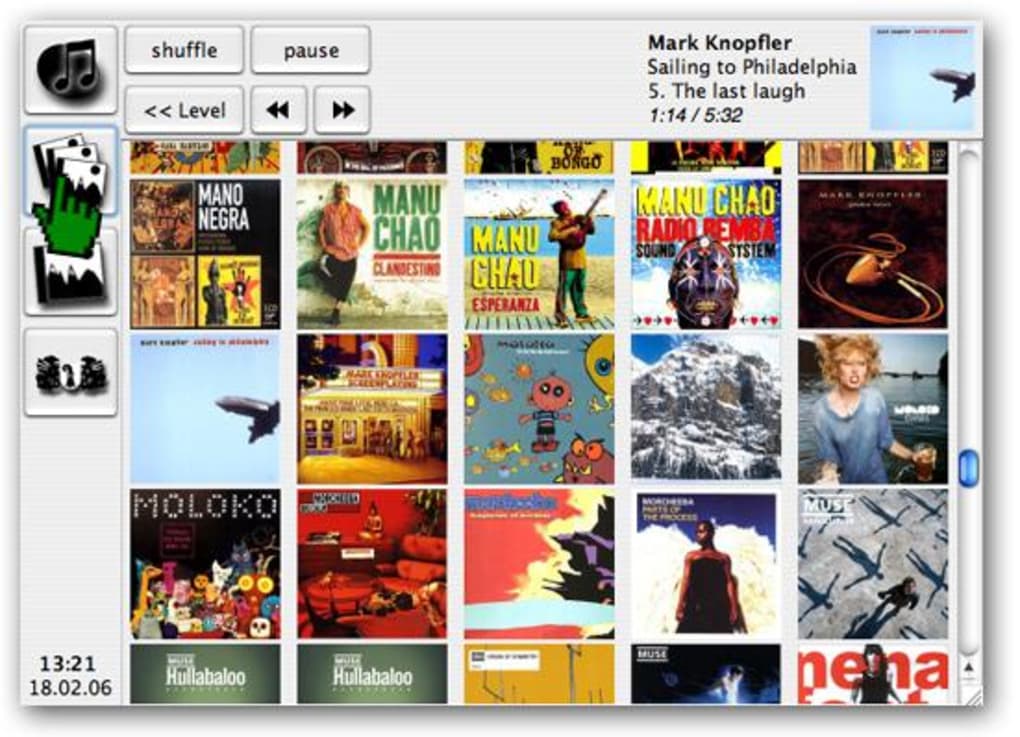
Description
Download rMediaTouch – Touchscreen‑Ready iTunes Front‑End for Mac
Overview
rMediaTouch is a lightweight, free Mac utility that transforms your iTunes library into a touchscreen‑friendly remote control. First introduced in 2006, the application has been downloaded more than 433 times and continues to attract users who need a simple, secure way to manage music playback from a distance. Built specifically for macOS (formerly Mac OS X) and earlier versions, rMediaTouch offers a clean, uncluttered interface that mirrors iTunes’ core functions—play, pause, skip, volume, and playlist navigation—while adding full support for multitouch gestures. The program’s modest footprint (well under 5 MB) makes it an ideal addition for older Macs with limited storage. Although the last official update was released on September 21 2006 (version 0.4), the software remains fully functional on modern macOS releases when run in compatibility mode. Because it is distributed as a free download, there are no hidden fees, ads, or trial periods, making rMediaTouch a trustworthy choice for anyone looking to customize their Mac with an iTunes accessory.
Key Features
- Touchscreen‑optimized interface designed for macOS laptops and external touch displays.
- Full iTunes remote control: play, pause, stop, next/previous track, volume, and playlist selection.
- Lightweight footprint (< 5 MB) that leaves ample space for other applications.
- Supports multiple iTunes libraries and automatically detects the active library.
- Customizable hotkeys for quick keyboard shortcuts in addition to touch gestures.
- English‑only interface with clear icons and tooltips for ease of use.
- Secure, ad‑free download from a reputable source; no registration required.
- Compatible with macOS versions dating back to the early Mac OS X releases.
Installation, Usage & Compatibility
Step‑by‑Step Installation
Installing rMediaTouch is straightforward. Begin by downloading the .dmg file from the official site. Once the download completes, double‑click the disk image to mount it, then drag the rMediaTouch icon into your Applications folder. macOS will prompt you to confirm that you trust the developer; click “Open” to allow the application to run. For older Mac OS X versions that enforce Gatekeeper checks, you may need to right‑click the app and select “Open” from the contextual menu. After placement in the Applications folder, launch rMediaTouch and grant it access to your iTunes library when prompted. The program will automatically detect any currently running iTunes instance and sync its playback controls.
How to Use rMediaTouch Effectively
Once launched, rMediaTouch displays a compact control panel that mirrors iTunes’ main playback buttons. If you have a multitouch trackpad or an external touchscreen, simply tap or swipe to navigate through tracks. The volume slider responds to pinch‑to‑zoom gestures, while a two‑finger swipe left or right skips tracks. For users who prefer a keyboard, you can assign custom hotkeys in the Preferences window—accessible via the gear icon in the top‑right corner. The application also remembers your last used playlist, allowing you to resume exactly where you left off after a system restart. Because rMediaTouch runs as a background process, it consumes minimal CPU resources, leaving the majority of your Mac’s performance available for music playback and other tasks.
Operating System Support
rMediaTouch was originally built for Mac OS X 10.2 and later, and it continues to function on current macOS releases when executed in compatibility mode. Users of macOS Ventura, Monterey, or Big Sur report smooth operation after allowing the app to run under Rosetta 2 on Apple Silicon machines. While the developer has not released an official update since 2006, the software’s reliance on native macOS APIs means it remains stable across a wide range of hardware configurations.
Pros, Cons & Frequently Asked Questions
Pros
- Free and ad‑free, with no hidden costs.
- Touch‑optimized UI that works well on modern trackpads and external displays.
- Extremely lightweight, preserving disk space and system resources.
- Simple installation process that requires no technical expertise.
- Customizable hotkeys for users who prefer keyboard shortcuts.
Cons
- Last official update was in 2006, so some modern macOS features are not supported.
- English‑only interface; no localization for other languages.
- Lacks advanced iTunes features such as smart playlists or library editing.
- No dedicated mobile app; functionality limited to macOS devices.
- Requires manual permission adjustments on newer macOS versions due to security settings.
Frequently Asked Questions
Is rMediaTouch still safe to download in 2025?
Yes. The installer is hosted on a reputable site and has not been altered since its last release. As long as you download it from the official link, the software remains free of malware and safe for use on modern macOS systems.
Can I use rMediaTouch with iTunes on Windows?
No. rMediaTouch is a macOS‑only application. Windows users would need to look for alternative iTunes remote tools that support the Windows platform.
Does rMediaTouch work on Apple Silicon Macs?
It works via Rosetta 2 translation. Although the app is not native ARM, Rosetta 2 handles the Intel code well, allowing full functionality on M1/M2 Macs.
Can I customize the button layout?
The layout is fixed, but you can assign custom hotkeys and choose which controls appear in the toolbar via the Preferences window.
Is there any way to receive automatic updates?
Since the developer stopped releasing updates after version 0.4, there is no built‑in auto‑update feature. Users should periodically check the official website for any community‑maintained patches.
Overall Verdict: rMediaTouch remains a solid, free solution for macOS users who need a simple, touchscreen‑ready iTunes remote. Its minimal footprint, intuitive gestures, and lack of ads outweigh the fact that it hasn't seen an update in many years. For basic playback control on a Mac, it still delivers a reliable, secure experience.
Conclusion & Call to Action
If you’re searching for a free, secure, and easy‑to‑use iTunes remote that works seamlessly on your Mac’s touchscreen or trackpad, rMediaTouch is worth a try. Its straightforward installation, lightweight design, and gesture‑friendly UI make it an excellent addition to any music‑centric workflow. Download the latest version today, give it a spin, and enjoy hands‑free control of your iTunes library without paying a cent. For the best experience, run the app in macOS compatibility mode on newer machines and configure your preferred hotkeys for instant access.
Download rMediaTouch now and start managing your music the touch‑first way!
Guides & Tutorials for rMediaTouch
How to install rMediaTouch
- Click the Preview / Download button above.
- Once redirected, accept the terms and click Install.
- Wait for the rMediaTouch download to finish on your device.
How to use rMediaTouch
This software is primarily used for its core features described above. Open the app after installation to explore its capabilities.
User Reviews for rMediaTouch 0
No reviews found





.webp)